Transactions Module
The Transactions module is the operational core of Petroleu. Every sale, purchase, and cash movement is recorded here as a voucher. Each voucher automatically updates stock levels and ledger accounts.
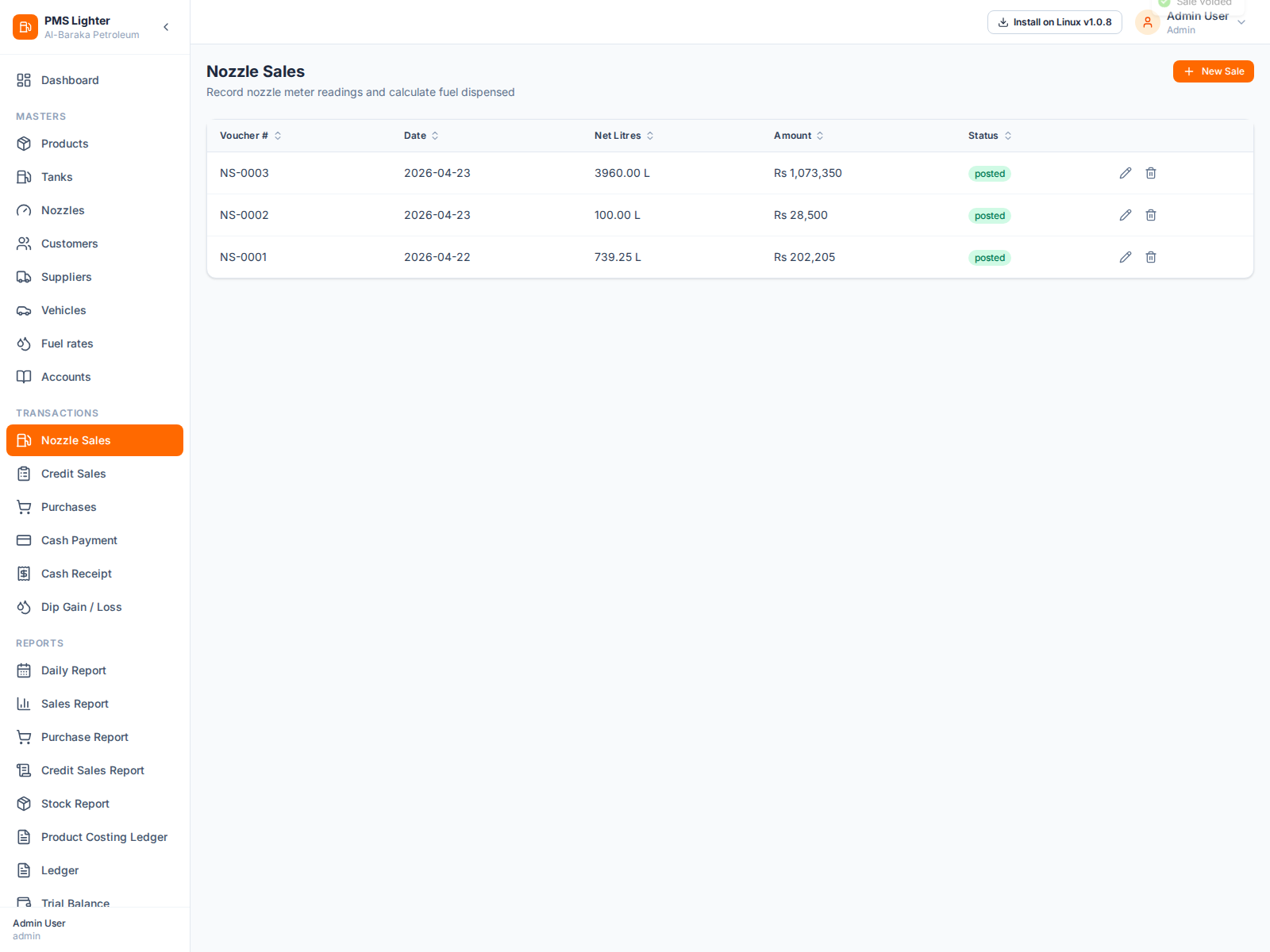
Nozzle Sales
Nozzle sales record fuel dispensed from pump meters. For each nozzle:
- Enter the opening and closing meter reading — the system calculates net liters automatically
- Set the sale rate per liter
- Multiple nozzles can be recorded in a single daily voucher
- Voucher posts to: nozzle sale revenue account and reduces tank stock
Credit Sales
Credit sales record fuel given on credit to registered customer vehicles.
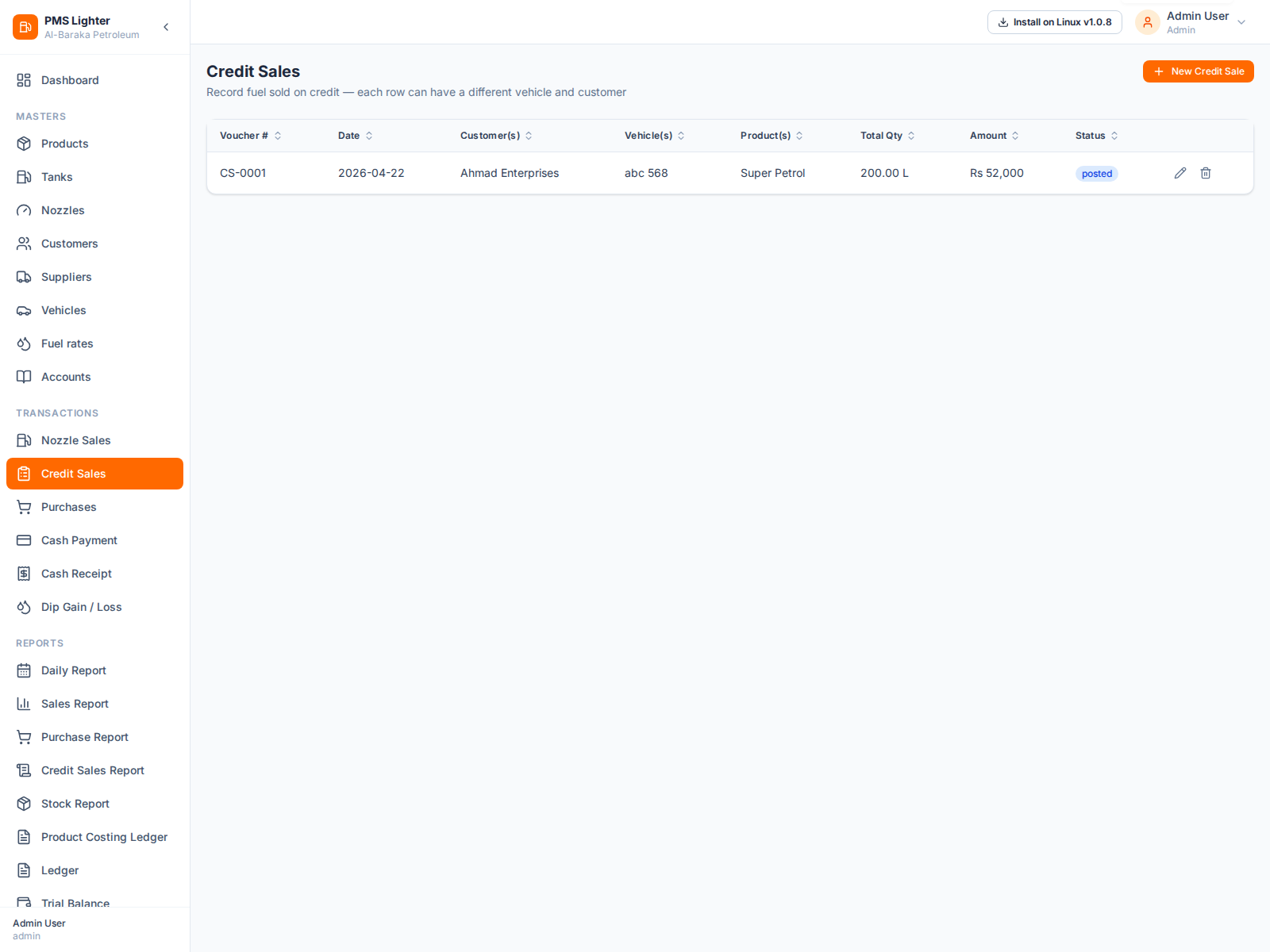
- Select vehicle — customer and product auto-fill
- Enter quantity and rate per line
- Multiple vehicles/customers can be on one voucher
- Voucher posts to: customer receivable account and reduces stock
Fuel Purchases
Purchase vouchers record incoming fuel deliveries from suppliers.
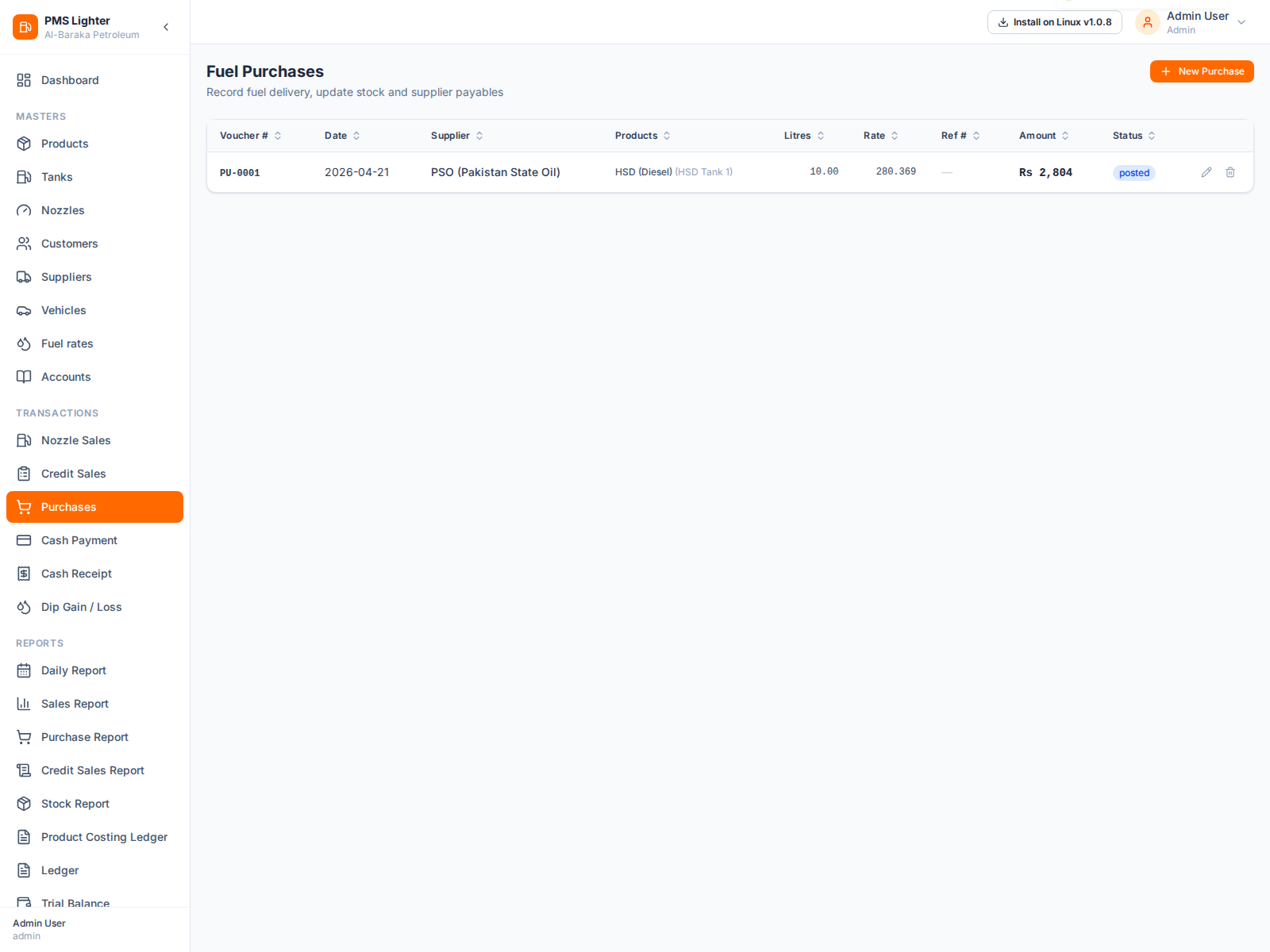
- Select supplier and the product/tank receiving the delivery
- Enter quantity (liters) and rate per liter
- Voucher posts to: tank stock increase and supplier payable account
- Reference (GD) number can be stored for each delivery
Cash Payments
Cash payment vouchers record outgoing cash — payments made to suppliers or for expenses.
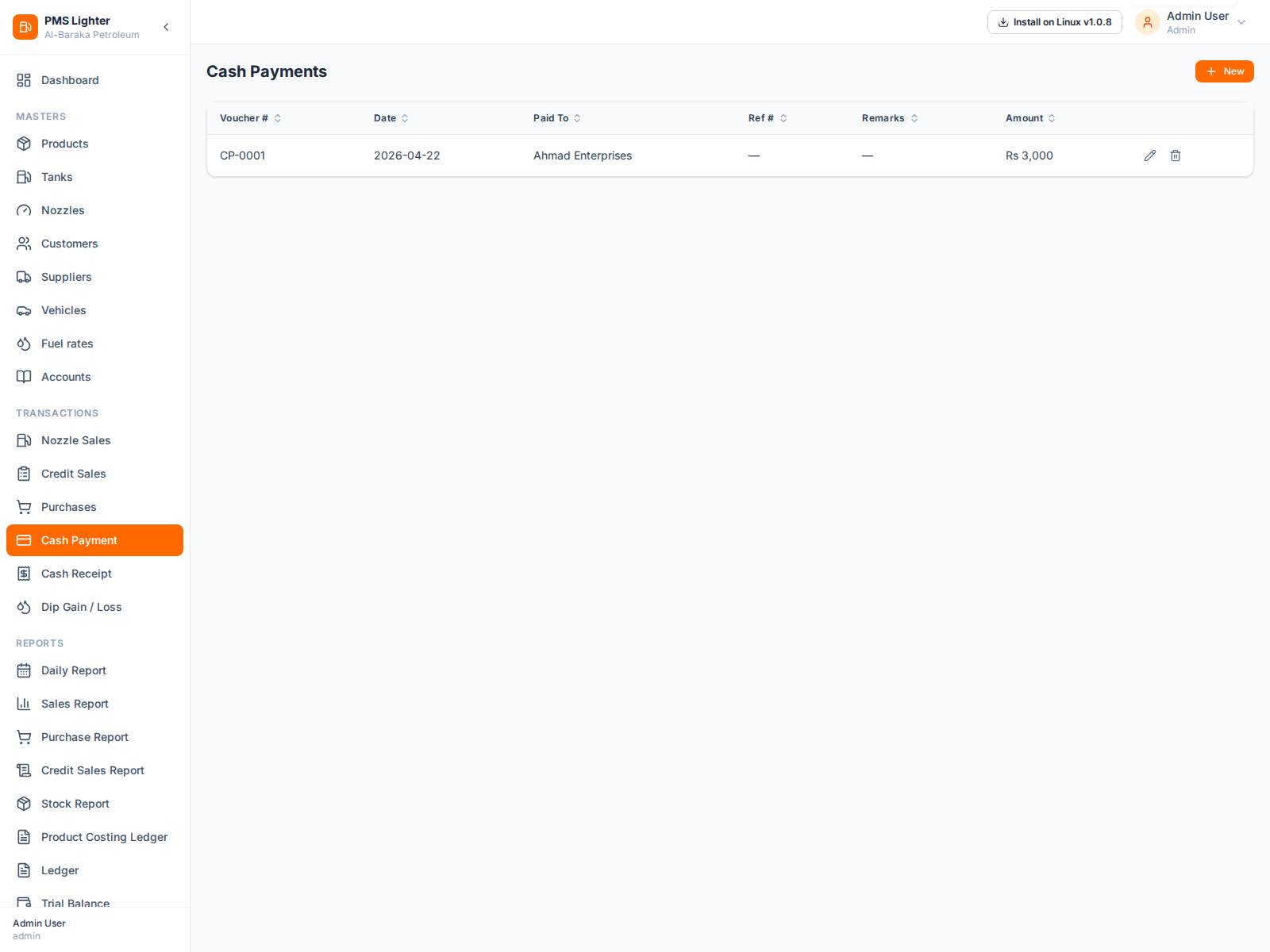
- Select the account being paid (supplier, expense, etc.)
- Enter amount, optional reference number and narration
- Voucher reduces the cash account and credits the selected account
Cash Receipts
Cash receipt vouchers record incoming cash — payments received from customers or other sources.
- Select the account making the payment (customer, owner, etc.)
- Enter amount, optional reference number and narration
- Voucher increases the cash account and debits the selected account
Opening Inventory
Opening Inventory vouchers establish the starting stock for tanks and lubricant products at system go-live.
- Add Tank Lines — select each tank, enter opening liters and cost rate per liter
- Add Lube Lines — select each lubricant product, enter opening quantity and cost rate
- Voucher posts stock movements and ledger entries for all lines
- Voucher number format: OIV-XXXX
Dip Gain / Loss
Dip entries reconcile physical tank readings against system stock to post the variance.
- Select the tank and enter the physical dip reading in liters
- System calculates the variance automatically (Gain if physical > system, Loss if physical < system)
- Gain → stock increases; Loss → stock decreases
- Corresponding ledger entries are posted to the Dip Gain or Dip Loss account
- Voucher number format: DG-XXXX
Journal Voucher
Journal vouchers allow manual double-entry accounting adjustments not covered by other transaction types.
- Add as many debit and credit lines as needed (minimum 2 lines)
- Each line: select Account A/C, optional Vehicle, optional Invoice #, optional Remarks, then enter either Debit or Credit amount (not both on the same line)
- Real-time balancing panel shows Total Debit, Total Credit, and Difference
- Voucher can only be saved when Total Debit = Total Credit (Balanced)
- Voucher number format: JV-XXXX
All transaction vouchers support Edit and Delete operations. Deleting a voucher reverses all stock and ledger effects automatically.
For step-by-step operating instructions, visit the Screen Guides.